Instant registration sync
The moment someone registersPoint any HubSpot form at a Communique webinar and registrants appear in Communique in real time, fully mapped to the fields you already collect.
Registration data from any HubSpot form flows into Communique automatically. Full webinar engagement, including attendance, questions, polls, surveys, and view time, flows back to HubSpot automatically. No exports, no manual list building, no gaps in the data.
Native two-way sync · No manual exports · Set up during onboarding
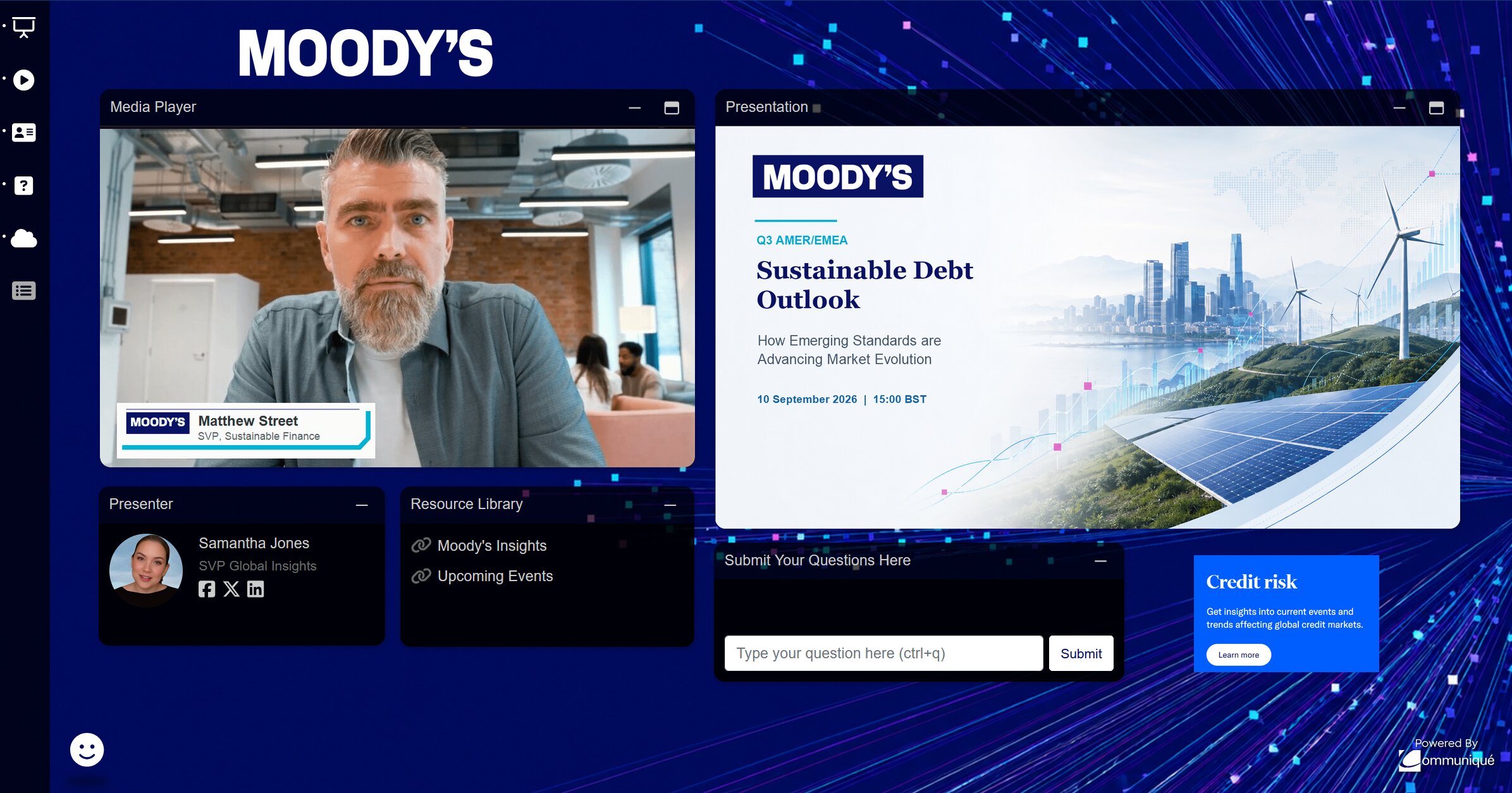
Produce broadcast-grade events worthy of your brand with less effort















Most webinar-to-CRM connections only push registrants one way. Communique keeps HubSpot current in both directions: form submissions become registrants, and everything that happens in the webinar becomes HubSpot data.
Connect any HubSpot form to a Communique webinar. The moment someone registers, their record is created or updated in Communique automatically. No list exports, no manual uploads.
Not just a check-the-box attendance flag. Communique sends the full picture of how each contact engaged, live and on-demand, back to their HubSpot record.
A simple attended or no-show flag can't tell your sales and marketing teams who's actually interested. Communique sends the signals that do.
Every signal your audience produces during the live event and the on-demand replay lands on the HubSpot contact record, ready to drive lists, lead scoring, and sales follow-up.
No new lists to rebuild and no new workflows to learn. Webinar activity simply becomes more data inside the HubSpot tools your team already uses every day.
Point any HubSpot form at a Communique webinar and registrants appear in Communique in real time, fully mapped to the fields you already collect.
Attendance, no-shows, and engagement levels land on the contact record, so your existing HubSpot workflows can act on webinar activity automatically.
View time, poll answers, and survey responses sync to the contact record, so your team can see intent beyond a simple attended/no-show flag, right inside HubSpot.
Build HubSpot reports and dashboards directly on synced webinar data instead of stitching together CSV exports after every event.
Want a demo, have questions on pricing, integrations, audience scale, or migration? Send us a note.
Yes. Registration data from any HubSpot form flows into Communique automatically, and webinar performance data flows back to HubSpot automatically, including attendance, view time, questions, poll responses, and survey answers.
Everything your audience does during the live event and on-demand replay: attendance and join/leave time, live and on-demand view time, questions asked, poll responses, survey answers, and resource clicks. This data lands on the contact record and can drive lists, workflows, and reporting.
No. The connection is configured during onboarding. Map your HubSpot form fields once and registration and engagement data sync automatically for every future webinar.
Yes. Communique syncs to the HubSpot forms, properties, lists, and workflows you already use, so you can trigger follow-up emails, lead scoring, and sales notifications from webinar activity without rebuilding your HubSpot setup.
Yes. Native HubSpot sync is included as part of Communique's CRM and marketing automation integrations, alongside Salesforce, Marketo, Pardot, Eloqua, and Omeda.
See your own forms and webinars synced in both directions: registrations in, full engagement data out.