Registrants matched, not just dumped
Contact, Lead, Account & Campaign IDsRegistrants are matched to existing Salesforce records using your duplicate-handling rules, so webinar activity lands on the right record instead of creating duplicates.
Registrants, attendance, engagement, questions, polls, surveys, continuing-education credits, and full event reporting totals push into Salesforce automatically after every webinar. No exports, no manual entry, no gaps in the data.
Native Salesforce sync · No manual exports · Set up during onboarding
Every registration and every engagement signal, already in Salesforce















Most webinar platforms hand you a CSV. Communique pushes registrants, attendance, and full engagement data straight into Salesforce after every event, matched to the Accounts, Contacts, Leads, and Campaigns you already run.
Registrants are mapped to new or existing Contact or Lead records and matched to the right Account and Campaign, using the duplicate-handling rules you choose.
Not just a check-the-box attendance flag. Communique sends the full picture of how each contact engaged, live and on-demand.
A simple attended or no-show flag can't tell your sales and marketing teams who's actually interested. Communique sends the signals that do.
Every signal your audience produces during the live event and the on-demand replay lands in Salesforce, ready to drive reports, list views, and sales follow-up.
No new objects to build and no new reports to learn from scratch. Webinar activity simply becomes more data inside the Salesforce org your team already runs.
Registrants are matched to existing Salesforce records using your duplicate-handling rules, so webinar activity lands on the right record instead of creating duplicates.
Set a Campaign ID and attendance status updates the matching Campaign Member automatically, so pipeline reporting reflects real webinar engagement.
Certificates issued and credits earned sync to Salesforce along with watched-time totals, so compliance and association teams don't need a separate system of record.
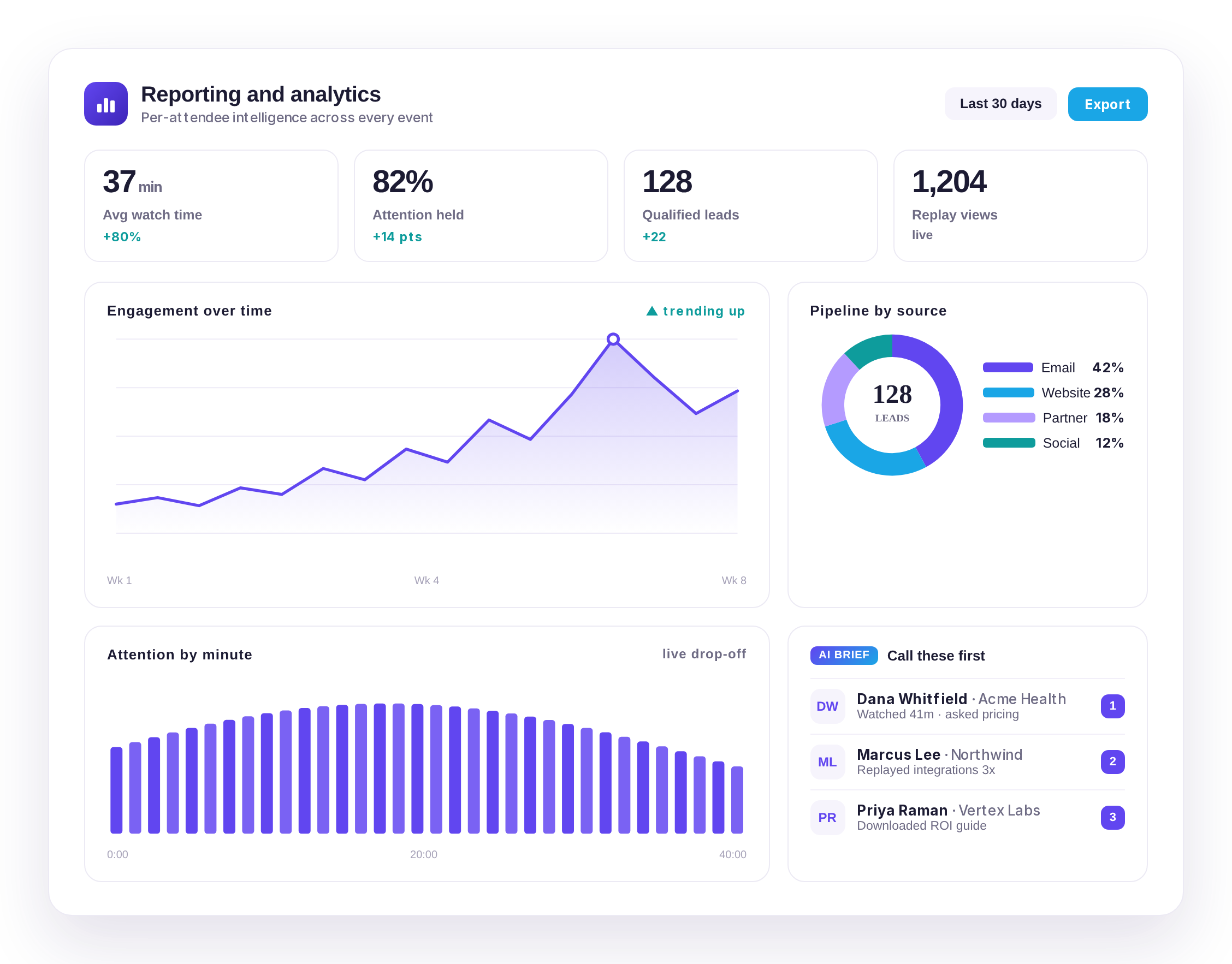
Registrations, attendees, no-shows, questions, poll and survey responses, and CE completions arrive as roll-up totals, ready for Salesforce reports and dashboards.
Want a demo, have questions on pricing, integrations, audience scale, or migration? Send us a note.
No. Data flows one way, from Communique into Salesforce, automatically after every webinar. Salesforce record IDs are used to match registrants to existing Accounts, Contacts, Leads, and Campaigns, but data is not pulled back out of Salesforce into Communique.
Registration fields, attendance (live and on-demand, including duration), engagement activity such as resource views, Q&A, chat participation, poll and survey responses, continuing-education credits and certificates, and roll-up reporting totals for the whole event.
A Salesforce admin needs to create a Connected App and authorize it once. From there, field mapping is configured in Communique and every future webinar syncs automatically.
Live webinars sync once after the event, with an optional daily sync for a period you choose. On-demand webinars sync daily. A manual sync can be triggered at any time.
Both. You can map registrants to Contact or Lead records, with duplicate-handling rules to control how matches are made.
Yes. Native Salesforce sync is included as part of Communique's CRM and marketing automation integrations, alongside HubSpot, Marketo, Pardot, Eloqua, and Omeda.
See your own registrants, attendance, and engagement data land in Salesforce automatically, event after event.