
Your next webinar report could be one sentence.Just ask.
Your CEO asks how much pipeline your webinars are generating. You ask ChatGPT or Claude. The report is ready. Our MCP connector puts your webinar data in the AI tool you already use.
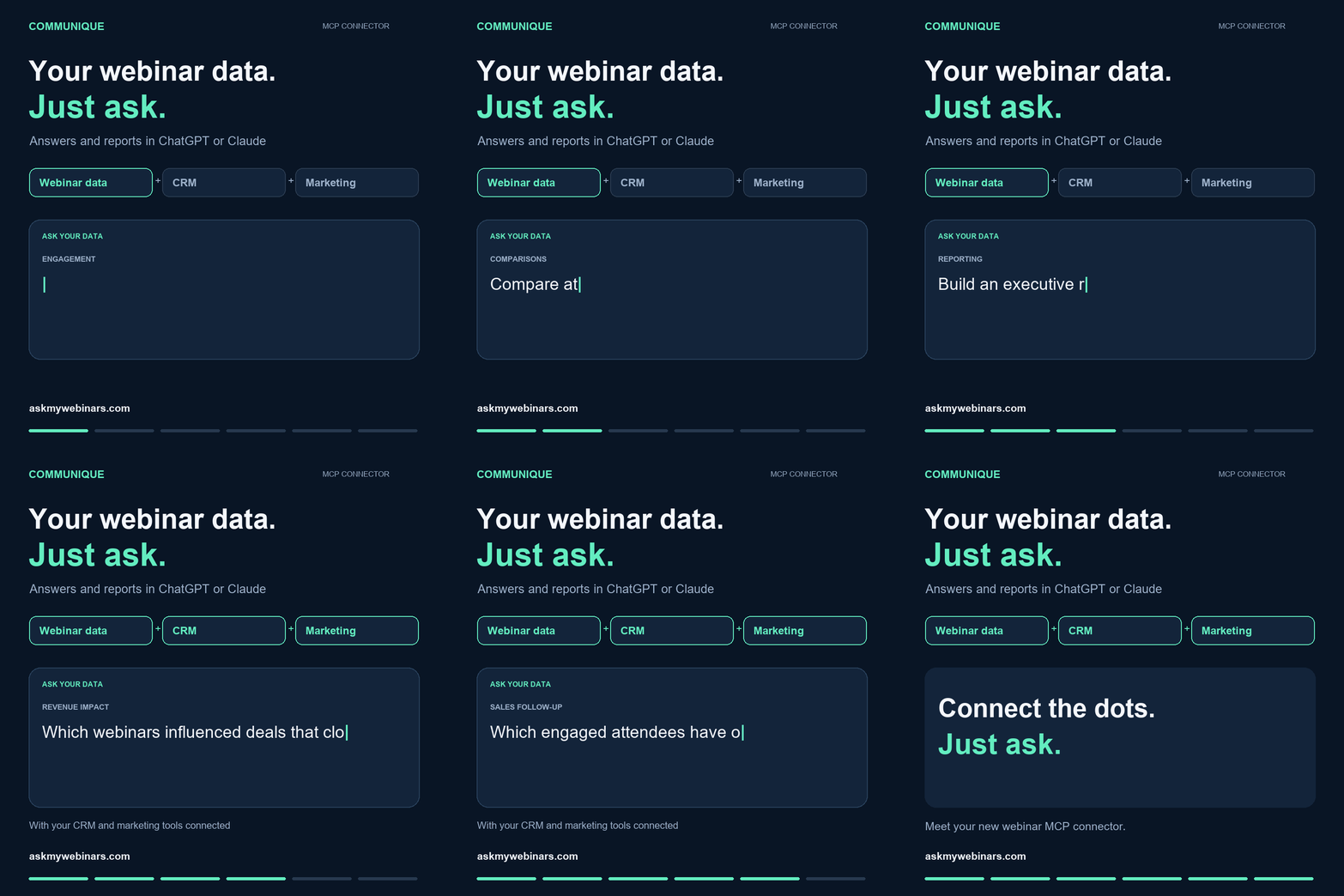
Ask about one webinar or your whole program.
Connect your webinar data to ChatGPT or Claude. Ask a question, get an answer, build a report, then ask the next question.
- RegistrationsWho signed up, from where, and for what.
- AttendanceWho showed up live and who watched on demand.
- EngagementQuestions, polls, and how long people stayed.
- Attendee attributesThe details behind each person, ready to slice.
“Which topics keep people watching longest?”Compare engagement across every webinar you have run.
“Who asked buying questions but hasn’t heard from us?”Turn attendee questions into a follow-up list.
“Build an executive summary of last quarter’s webinar performance.”Skip the spreadsheet. Get something you can send.
Then connect the rest of your marketing stack.
Add your CRM and other marketing tools to the same AI workspace. Webinar data gets far more useful when it sits next to the rest of the customer journey.
Which target accounts are engaging across webinars, emails, and campaigns?
Which topics attract attendees who become customers?
How much pipeline did our webinars generate or influence in the past 12 months, and how much became closed revenue?
Imagine asking your entire marketing stack a question and getting an answer that connects the dots.
One question leads to the next.
Not sure what to ask first?
Browse 22 ready-to-use prompts for ChatGPT and Claude. Plan events, promote them, follow up, and analyze results. Copy one, swap in your own details, and run it against your webinar data.
See your own webinar data answer back.
Tell us what you want to ask. We will show you how it works with your own webinars.